Free Contact Us Page Generator
Free Contact Us Page Generator
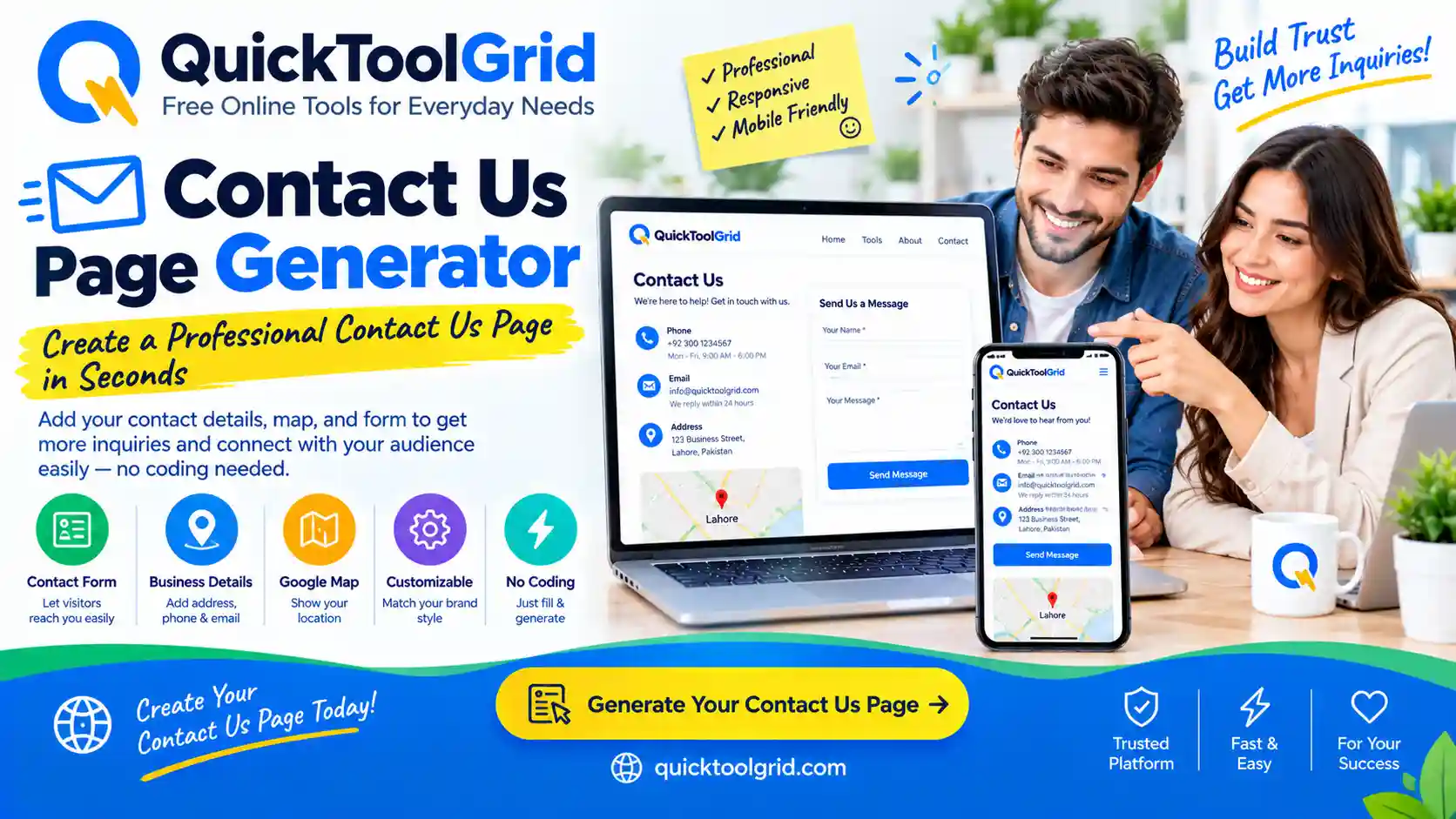
Create a professional Contact Us page for your website in minutes. Free, private, and SEO-friendly.
Fill in the form and click Generate Contact Page to see your preview here.
Your information stays in your browser.
- No saved history yet.
- No favorites saved yet.
What Is a Contact Us Page?
A Contact Us page is a dedicated section of a website that provides visitors with ways to reach the business or website owner. It typically includes email addresses, phone numbers, a physical address, business hours, a contact form, and links to social media profiles. It is one of the most important pages on any website because it directly supports customer communication and trust.
Unlike a homepage or a product page, the Contact Us page has a single purpose: to make it as easy as possible for visitors to get in touch. Whether someone has a question, needs support, wants to request a quote, or simply wants to provide feedback, the Contact Us page is where they go.
Why Every Website Needs a Contact Us Page
There are several reasons why a Contact Us page is essential:
- Builds trust: Visitors feel more confident when they can see how to reach a real business.
- Improves customer support: A clear contact page reduces frustration and speeds up resolution times.
- Generates leads: A well-designed contact form can capture inquiries and turn them into customers.
- SEO and advertising: Search engines and ad platforms often require a contact page as a signal of legitimacy.
- Legal compliance: Many jurisdictions require businesses to display contact information.
What Should a Contact Us Page Include?
A strong Contact Us page typically includes:
- Email addresses for general, support, and sales inquiries
- Phone numbers with clickable tel: links
- Business address with a map (optional)
- Business hours and time zone
- A contact form for direct messages
- Department contacts for larger organizations
- Response time so visitors know what to expect
- Social media links
- A privacy notice explaining how information is used
- A clear call to action
How to Create a Professional Contact Us Page
Creating a professional Contact Us page involves more than listing an email address. Here are the key steps:
- Decide which contact methods to offer. Not every business needs every method. A freelancer might only need email and a contact form, while a local business might need a phone number, address, and map.
- Provide multiple ways to get in touch. Some visitors prefer email, others prefer phone, and some prefer a form.
- Set clear expectations. State your response time so visitors know when to expect a reply.
- Keep the form simple. Only ask for the information you actually need.
- Make it mobile-friendly. Most visitors will contact you from their phone.
- Add a privacy notice. Let visitors know how their information will be used.
Contact Information Best Practices
- Use clickable links. Email addresses should use
mailto:and phone numbers should usetel:. - Label clearly. Use labels like “General Inquiries,” “Customer Support,” and “Sales” to route messages correctly.
- Avoid clutter. Too many contact methods can confuse visitors. Choose the most relevant ones.
- Keep information up to date. Old phone numbers and email addresses damage trust.
How to Design a Contact Form
A good contact form is short, clear, and accessible. Here are some tips:
- Only ask for what you need. Name, email, and message are usually enough.
- Use clear labels. Place labels above fields, not inside them.
- Mark required fields. Use an asterisk or the word “required.”
- Provide a success message. Let users know their message was sent.
- Connect to a real backend. A static HTML form will not send emails without a form-processing service.
If you need help writing the content for your contact page or other website copy, the AI Prompt Generator can help you craft better prompts for AI writing tools.
What Fields Should a Contact Form Have?
Common contact form fields include:
- Name (required)
- Email (required)
- Phone (optional)
- Company (optional, useful for B2B)
- Subject (helpful for routing)
- Message (required)
- Order Number (useful for ecommerce)
- Department (useful for larger companies)
Business Hours and Response Times
Displaying business hours helps visitors know when to expect a response. If you operate in multiple time zones, include your time zone. A response time commitment—such as “Within 24 hours”—sets clear expectations and reduces follow-up inquiries.
How to Add Email and Phone Links
Clickable email and phone links make it easy for visitors to contact you directly from their device. Use this format:
- Email:
<a href="mailto:hello@example.com">hello@example.com</a> - Phone:
<a href="tel:+1234567890">+1 234 567 890</a> - WhatsApp:
<a href="https://wa.me/1234567890">Chat on WhatsApp</a>
How to Add Social Media Links
Social media links give visitors additional ways to connect. Only include profiles you actively maintain. If you’re building a personal brand or freelancer portfolio, a CV Resume Builder can help you present your professional experience alongside your contact information.
How to Add a Business Address
If you have a physical location, display your address clearly. Use the semantic <address> element in HTML for better accessibility. If you don’t want to display your full address, you can show a partial address or hide it entirely.
How to Add a Map
An embedded map helps visitors find your location. You can embed a Google Map or another map service by providing an embed URL. The tool does not invent map coordinates—you must supply your own map embed URL.
Contact Us Page SEO Best Practices
- Use a clear H1: “Contact Us” or “Contact [Your Brand].”
- Include your primary keyword naturally in the first paragraph.
- Write a compelling meta description (150–160 characters).
- Add schema markup for WebApplication, FAQPage, and BreadcrumbList.
- Optimize images on the page. The Image Compressor can help you reduce image file sizes without losing quality.
- Link to related pages on your website.
Contact Us Page Accessibility
An accessible Contact Us page is usable by everyone, including people using screen readers or keyboard navigation. Key practices include:
- Use semantic HTML (labels, fieldsets, legends)
- Provide visible focus states
- Ensure sufficient color contrast
- Make all interactive elements keyboard-accessible
- Use ARIA attributes where appropriate
Common Contact Page Mistakes
- No contact methods. Visitors should always have at least one way to reach you.
- Hidden contact information. Don’t make visitors hunt for your email or phone number.
- Broken forms. Test your contact form regularly.
- No response time. Visitors appreciate knowing when to expect a reply.
- No privacy notice. Visitors want to know how their information will be used.
- Outdated information. Old phone numbers and email addresses damage trust.
Privacy Considerations
When collecting information through a contact form, you have a responsibility to protect it. Best practices include:
- Only collect information you actually need
- Use HTTPS on your website
- Store form submissions securely
- Provide a clear privacy notice
- Comply with applicable laws (GDPR, CCPA, etc.)
How to Use This Free Contact Us Page Generator
- Fill in the form with your business information.
- Select contact methods you want to display.
- Build your contact form by adding, removing, and reordering fields.
- Click “Generate Contact Page” to see your preview.
- Edit if needed by clicking the “Edit” button.
- Copy or download your Contact Us page as HTML or TXT.
All processing happens locally in your browser. Your information is never sent to our servers.
Examples of Contact Us Pages
Contact Us for Small Businesses
A small business Contact Us page should include a phone number, email address, physical address, and business hours. If you’re launching a new business, the Business Name Generator can help you choose a name before you build your contact page.
Contact Us for Ecommerce
Ecommerce contact pages should include customer support email, a contact form, order-related fields, and a link to your returns policy. Consider adding a Free QR Code Generator to your packaging to link customers directly to your contact page.
Contact Us for SaaS
SaaS contact pages should include sales, support, and technical contacts, along with a demo request form and a link to your help center.
Contact Us for Freelancers
Freelancers should include an email address, a contact form, and links to their portfolio. If you’re a freelancer, a CV Resume Builder can help you present your professional profile alongside your contact page.
Related Quick Tools Grid Tools
Frequently Asked Questions
for more tools: click here
How a Contact Us page helps you get business enquiries online
A clear Contact Us page makes it easy for customers to reach you, which is one of the simplest ways to receive business enquiries through your website. Use this free contact us page generator to draft the text for your page, then publish it on your site and link to it from your header and footer.
What a good Contact Us page includes
- One or two clear ways to reach you, such as an email address, a phone number or a contact form.
- Your business hours and the time zone you work in, if they matter to customers.
- When people can expect a reply, for example “we reply within two working days”.
- Your address or service area, if customers visit you or you serve a specific region.
- A short line on what to include in a message, so you get useful enquiries.
Tips for getting more enquiries
- Link to your Contact Us page from every page, not just the menu.
- Keep any contact form short, because fewer fields usually means more people finish it.
- Protect your form from spam, and reply promptly to every real message.
Also see our free generators for an About Us page, a privacy policy and an invoice.