Free Terms and Conditions Generator
This free terms and conditions generator helps you create custom terms for your website, online store or app in minutes. Fill in your details, choose the clauses you need, and get a ready-to-edit document you can copy, download as a Word file or save as a PDF. There is no sign-up, and everything stays in your browser.
Last updated: October 2026. By the Quick Tools Grid team. This is a template, not legal advice.
About your website
Clauses to include
Generating again rewrites the text, so copy any edits you want to keep first. In the print window, choose “Save as PDF” as the destination. These terms are a general template and not legal advice. Please read them carefully and have a qualified lawyer review them if your business handles payments, children, health or financial information.
What is a terms and conditions generator?
A terms and conditions generator is a tool that builds a first draft of the rules for using your website, store or app. It puts your business details and the clauses you choose into a clear, numbered document. Terms and conditions are also called terms of service or terms of use, and they explain what visitors can and cannot do, what you are responsible for, and which law applies. This generator is template-based and is not written by an AI model, so you stay in control of what it says.
How to create terms and conditions for your website
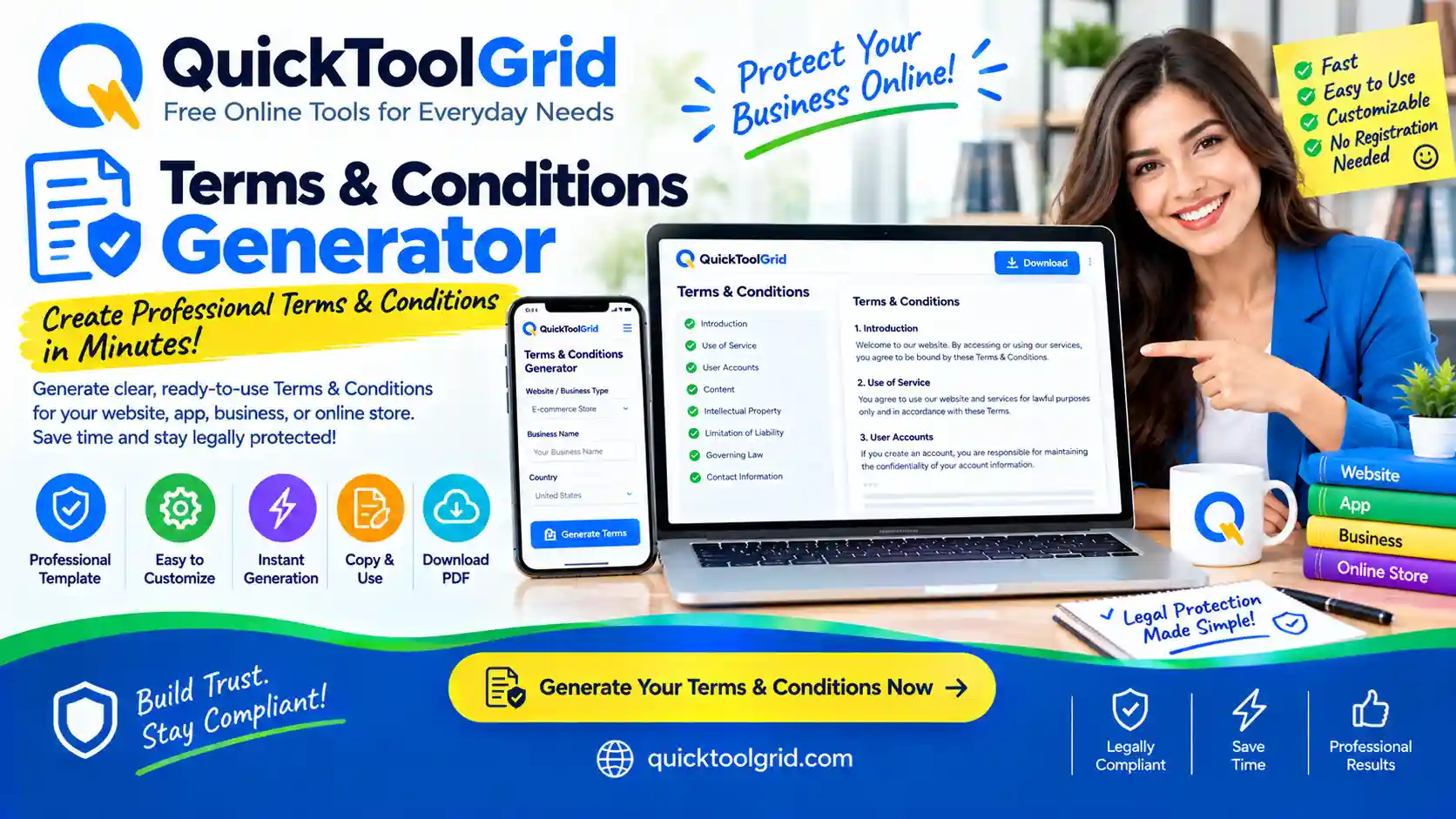
- Enter your website name, address, contact email and the law that should apply.
- Choose what kind of site you run, then tick the clauses that match what your site does.
- Click “Generate terms and conditions”.
- Read the draft carefully and edit anything that does not match how you really operate.
- Copy it, download it as a Word file, or save it as a PDF.
- Publish it on a page of your website and link to it from your footer.
What to include in terms and conditions
- Acceptance: a statement that using the site means agreeing to the terms.
- Who can use it: any minimum age.
- Accounts: how people sign up and keep their details safe.
- Acceptable use: what users must not do.
- Content: who owns what people post, and what you may do with it.
- Payments, subscriptions and refunds: if you sell anything.
- Intellectual property: that your content and brand belong to you.
- Limits of liability and warranties: what you do and do not promise.
- Termination, changes and governing law: how the terms can end, change and which law applies.
- Contact details: how to reach you.
Terms and conditions, privacy policy and disclaimer: what is the difference?
Terms and conditions set the rules for using your site. A privacy policy explains what personal information you collect and how you use it. A disclaimer limits your responsibility for the information on your site. Many websites publish all three. You can create them with our free Privacy Policy Generator and Disclaimer Generator, and you can add an About Us page and a Contact Us page too.
Where to put your terms and conditions
Publish the terms on their own page and link to it from your site footer so it is easy to find. If people create accounts or make purchases, show a link to the terms next to the sign-up or checkout button, and consider asking them to tick a box to confirm they agree. You can find all our free tools on the Tools Grid page.
Tips for better terms
- Only keep clauses that match what your site really does, and delete the rest.
- Use plain language so visitors can understand what they are agreeing to.
- Update the terms and the date whenever your business changes, for example when you start selling something.
- Ask a qualified lawyer to review them if you take payments, work with children, or handle health or financial information.
Frequently asked questions
Is this terms and conditions generator free?
Yes. It is free to use, with no sign-up and no watermark.
Is the result legal advice?
No. It is a general template. Laws differ between countries, so check the rules that apply to you or ask a qualified lawyer, especially if your business is complex.
Do I need terms and conditions on my website?
Many websites have them, especially if they have accounts, sell things or accept user content. Terms help set expectations and limit your responsibility, but requirements vary by country and business, so check what applies to you.
Are my details stored or uploaded?
No. The document is built in your browser, and the details you type are not sent to our servers. Because nothing is saved, copy or download your terms before you close the page.
What is the difference between terms and conditions and terms of service?
They usually mean the same thing. Terms and conditions, terms of service and terms of use are different names for the rules that govern how people use a website or service.
Can I use it for an online store or an app?
Yes. Choose “Online store” or “App or software service”, then tick the clauses for payments, subscriptions or refunds if they apply to you.
How do I add the terms to WordPress, Shopify or another platform?
Create a new page on your platform, paste the text into it, publish it, and add a link to the page in your site footer. The steps differ slightly between platforms.
Do I need a lawyer to review the terms?
For a simple blog, a careful review of the draft may be enough. If you take payments, serve children or handle sensitive information, it is wise to have a qualified lawyer review your terms.
For More Information: Click Here