Free Cookie Policy Generator
Free Cookie Policy Generator
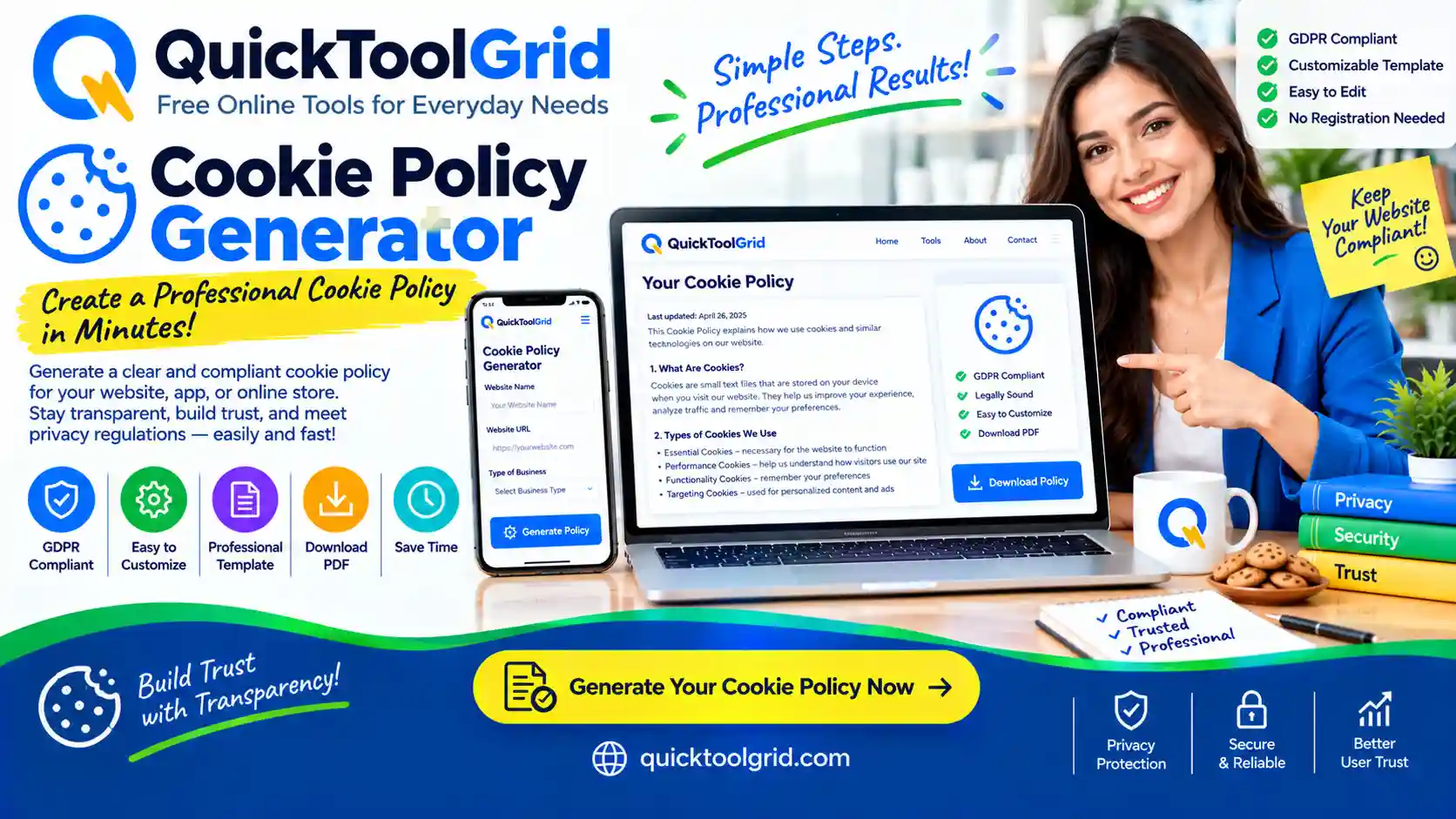
Create a cookie policy for your website, blog or online store. Pick the services you use, such as WordPress, Google Analytics, AdSense, Meta Pixel or YouTube, and get a ready-to-use policy with a cookie table, opt-out links and EU/UK and California sections.
Start Generating Read the GuideCookie Policy Generator
Your form information is stored locally in your browser and is not sent to our server by this tool.
Open your site, press F12, choose Console, type document.cookie and paste the result here. Or open Application → Cookies and copy the Name column. Server-only (HttpOnly) cookies do not show up, so also review the result yourself.
Format: cookie name – what it does.
How It Works
- Enter your details. Website name, address and contact email.
- Tick your services. Only the cookies you select appear in the policy.
- Review. Fill in any [bracketed] gaps and check the wording.
- Publish. Copy it, create a Cookie Policy page on your site, and link it in your footer.
What Is a Cookie Policy?
A cookie policy tells visitors which cookies and similar technologies your website uses, what each one does, how long it lasts and how to control it. It is often published as its own page, or as a section of your privacy policy.
Do I Need One?
If your site uses analytics, advertising, embedded videos or any non-essential cookies, you should disclose them. Laws such as the EU’s ePrivacy rules and the GDPR, the UK’s PECR, and California’s CCPA/CPRA expect this, and ad networks like Google AdSense commonly require it. Rules differ by country, so check the ones that apply to your visitors.
Cookie Types
Essential cookies keep the site working (login, security). Analytics cookies measure traffic. Advertising cookies show and measure ads. Social media cookies come from embedded content such as YouTube. Non-essential cookies usually need consent in the EU and UK.
Common Mistakes
Copying another site’s policy, listing cookies you do not use, forgetting new services when you add them, and publishing a policy with no consent banner when one is needed. Review your policy whenever your site changes.
Frequently Asked Questions
Is this cookie policy generator free?
Yes. It is free, needs no account, and runs in your browser.
Does it send my information anywhere?
No. Your answers stay in your browser. If you press Save Draft they are kept in your browser’s local storage, and you can remove them with Clear Saved Data.
Can I edit the policy after generating it?
Yes. Copy the text or HTML into your page editor and change anything you like.
Do I also need a privacy policy?
Most sites that use cookies also publish a privacy policy. The two pages work together.
Does this tool scan my website?
Partly. “Scan my website” reads one page of your site and detects known services from its code, or you can paste your cookie names. It cannot see cookies set later by scripts, so also check your cookie list in your browser.
Do I need a cookie consent banner?
If you have visitors in the EU or UK and use analytics, advertising or similar cookies, you generally need to ask for consent first. The banner generator on this page gives you a basic one.
Is this a substitute for a lawyer?
No. It is a starting template and not legal advice. Ask a qualified professional if you handle sensitive data or operate in several countries.
Disclaimer
This Cookie Policy Generator provides general informational content and is not a substitute for legal advice. Cookie names and durations are typical values set by third-party providers and may change. Review and customise the policy before publishing it.