Free AI Prompt Generator
AI Prompt Generator
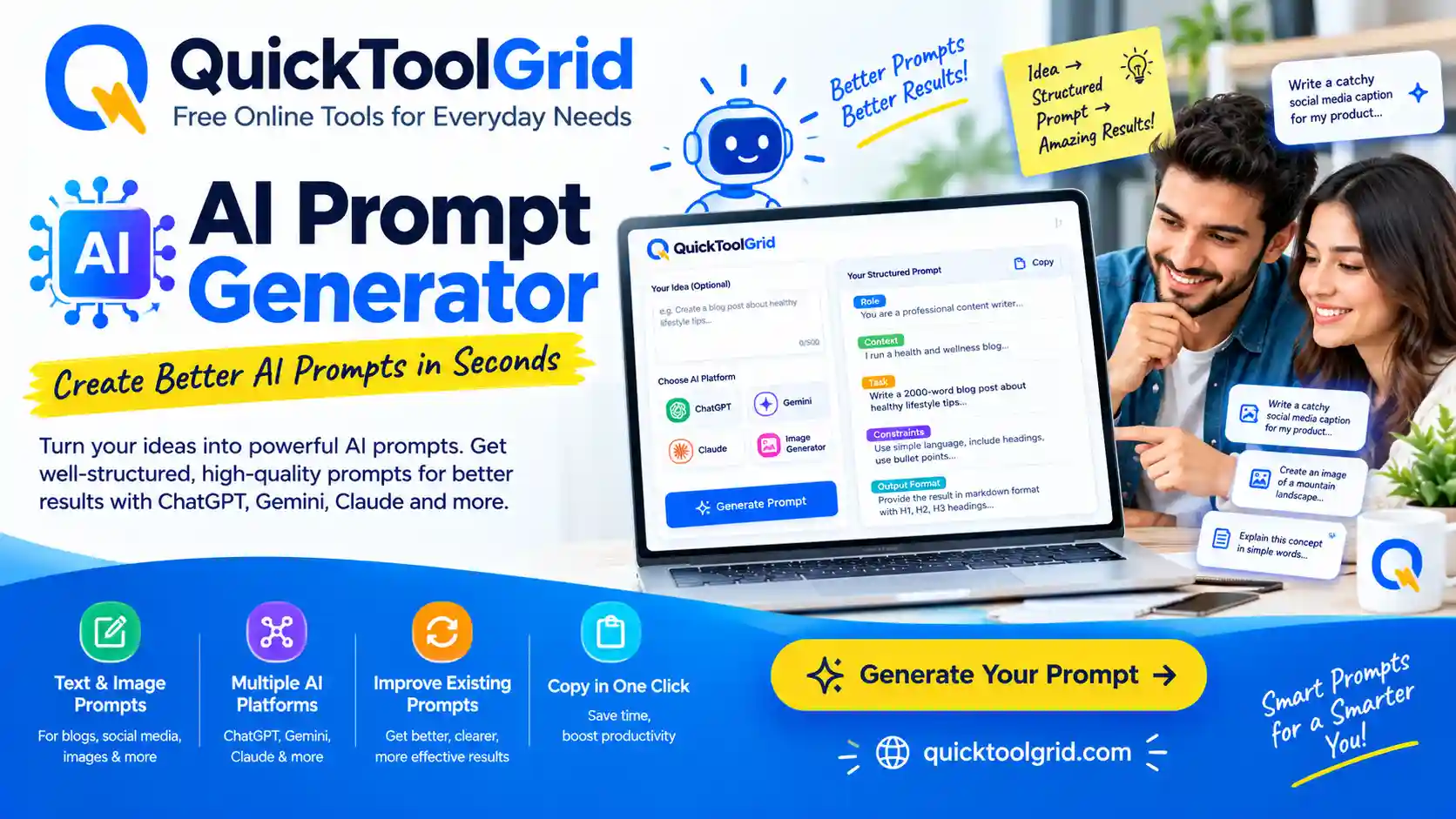
Transform simple ideas into structured, high-performing prompts for ChatGPT, Gemini, Claude, Grok, and DeepSeek instantly.
Prompt Builder
Generated Prompt
Prompt Template Library & Favorites
AI Prompt Generator: Create Structured Prompts Free
Artificial intelligence models such as ChatGPT, Google Gemini, Anthropic Claude, and DeepSeek rely entirely on the instructions they receive. The quality, precision, and contextual clarity of your input—known as the prompt—directly dictate the quality of the AI’s response. Quick Tools Grid’s AI Prompt Generator transforms plain, basic ideas into highly structured, expert-level prompt architectures locally inside your web browser.
What Is an AI Prompt Generator?
An AI Prompt Generator is an automated prompt engineering utility that organizes user instructions into standardized, high-performance logical structures. Rather than submitting vague queries like “write an article about business,” an AI prompt builder structures your request into specific components: persona assignment (Role), core goal (Objective), background parameters (Context), operational boundaries (Constraints), target reader details (Audience), and explicit structural guidelines (Output Format).
Why Structured Prompts Produce Superior AI Results
Large Language Models (LLMs) operate on statistical token prediction. When given ambiguous instructions, the model relies on general web data averages, resulting in generic, formulaic, or surface-level outputs. Structured prompts eliminate ambiguity by setting clear boundary parameters. Defining specific roles, target audiences, tone specifications, and negative constraints helps reduce vague answers and wordiness, and makes it more likely the response matches what you asked for.
How to Write a Better AI Prompt: Core Architecture
Professional prompt engineers structure instructions using six key architectural pillars:
- Role / Persona: Defines who the AI should act as (e.g., “Act as a Senior SEO Strategist with 10 years of experience in technical publishing”).
- Task / Objective: Outlines the exact action required (e.g., “Write a comprehensive guide explaining web accessibility compliance”).
- Context & Background: Provides necessary context to prevent assumptions.
- Target Audience: Specifies who the content is created for (e.g., “Beginner web developers and small business owners”).
- Constraints & Boundary Conditions: Lists rules and things to avoid (e.g., “Do not use passive voice; avoid corporate buzzwords”).
- Output Schema: Defines the visual presentation format (e.g., “Output in clean Markdown with clear H2 headings, bullet points, and an FAQ block”).
AI Prompt Engineering for Specific Use Cases
Blog Writing & Content Marketing
Creating high-ranking editorial content requires integrating search intent, tone controls, word count targets, and structured headings. When building articles or launching new commercial platforms, establishing brand identities and digital visibility is crucial. If you are launching a new online company or structuring a brand identity, you can try our Business Name Generator to discover memorable, available brand names for your enterprise.
SEO Content & Page Performance
Search Engine Optimization prompts must account for primary keywords, secondary entities, structured data rules, and site speed considerations. Publishing content with uncompressed visual media can slow down web page loading times, harming search rankings. To optimize your digital platforms, you can compress images online to reduce media file sizes without sacrificing visual crispness.
Marketing, Digital Promotion & Offline Campaigns
Promotional prompts require persuasive messaging, clear calls to action (CTAs), and multi-channel distribution strategies. Bridging physical marketing materials with online platforms requires quick digital sharing. For marketing campaigns, product packaging, or business cards, you can create a free QR code to route customers instantly to your website, payment link, or contact card.
Coding, Software Development & Career Building
Software engineering prompts require explicit programming language declarations, framework choices, error handling guidelines, and unit test requirements. Applying these technical skills in international job markets demands professional presentation. When applying for remote tech roles or building career portfolios, you can craft a recruiter-ready resume with our CV Resume Builder to highlight your technical competencies effectively.
Related Tools on Quick Tools Grid
Explore our full suite of free web performance and business utilities designed to support your digital workflows:
Business Name Generator
Generate unique, brandable business name ideas for startups, freelance brands, and commercial entities.
Free QR Code Generator
Create free, high-resolution QR codes for websites, vCards, digital portfolios, and marketing campaigns.
Image Compressor
Reduce image file sizes online without losing visual quality to improve page speed and user experience.
CV Resume Builder
Create professional, ATS-friendly resumes and CVs tailored for international job applications.
Frequently Asked Questions
What is an AI Prompt Generator?
It is a web utility that converts simple user ideas into structured prompts with clear roles, objectives, context, and formatting rules optimized for AI models.
Is this tool completely free?
Yes. Quick Tools Grid provides this tool 100% free without registrations, hidden subscriptions, or usage limits.
Do I need an OpenAI, Gemini, or Claude API key?
No API key is required. The tool runs locally in your web browser, using client-side logic to structure and refine your prompt text.
Can I use generated prompts in ChatGPT?
Yes, the generated prompts are plain text, so you can paste them into ChatGPT or any other chat model.
Can I use generated prompts with Google Gemini?
Yes, the outputs use explicit role definitions and boundary constraints that Gemini processes effectively.
Can I use generated prompts with Anthropic Claude?
Yes, the clear sections and instructions in the output work well with Claude.
Can I generate Midjourney or DALL-E image prompts?
Yes. Select the Image Generation category to add inputs for visual style and lighting, and an aspect ratio or negative prompt.
Can I generate prompts for programming and code review?
Yes. Select the Coding category to add the programming language or framework and the output you expect.
Can I save my favorite prompts?
Yes. Click the star icon on any template, or the Save button on a generated prompt, to store it in your browser’s local storage.
Are my prompts uploaded or stored on an external server?
No. Everything is stored locally on your device using localStorage. Nothing is ever transmitted to an external server.
Can I edit the prompt after generation?
Yes. You can edit the text directly in the output box or use quick refinement buttons like Shorten, Expand, or System Prompt.
What makes an AI prompt effective?
Effective prompts combine a specific role, clear objective, background context, target audience, negative constraints, and a structured output schema.
For More Information: Click Here