Free Image Compressor
Image Compressor & Optimizer
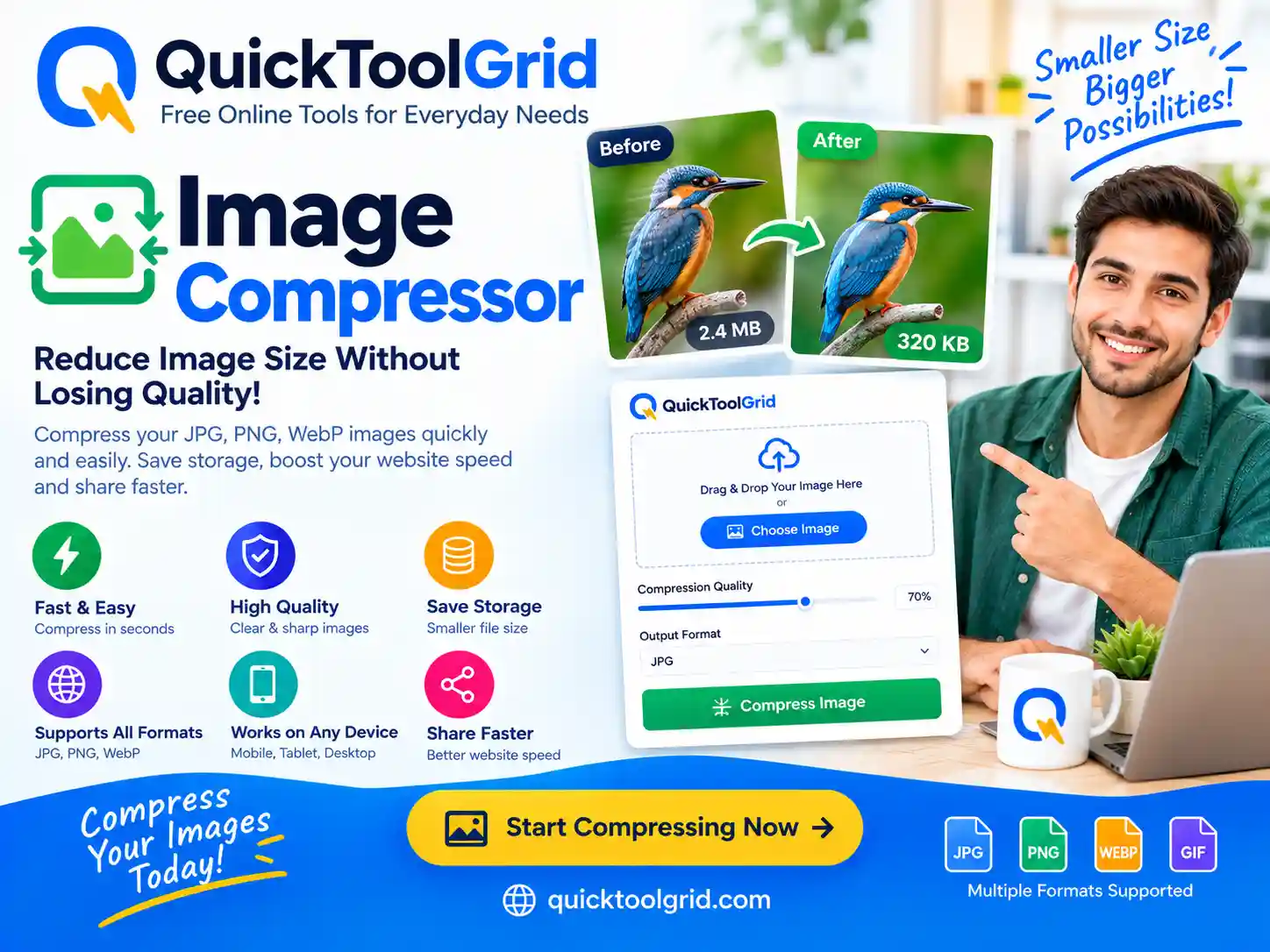
Professional-grade browser-side compression. Reduce JPG, PNG, WebP, and AVIF sizes with side-by-side quality inspection.
Drag and drop images here
Supports JPG, PNG, WebP, AVIF & GIF up to 50MB
Complete Technical Guide to Web Image Optimization
What Is an Image Compressor?
An image compressor is a software engine designed to reduce the physical byte size of digital bitmap image files without severely degrading visual quality. In web performance architecture, images often account for over 60% of total HTTP payload weight. Utilizing modern client-side compression reduces site load times, conserves mobile user bandwidth, and lowers network transfer costs.
How Image Compression Works: Lossy vs. Lossless
Image compression algorithms rely on two foundational mathematical paradigms:
- Lossless Compression: Reorganizes pixel data arrays and removes statistical redundancies using entropy coding (e.g., Huffman coding, LZ77). File sizes decrease while retaining identical raw image pixels. Formats like
PNGandGIFuse lossless techniques. - Lossy Compression: Evaluates human visual perception limitations using discrete cosine transforms (DCT) or wavelet transformations. Color data imperceptible to human eyes (chrominance) is discarded while maintaining structural shape data (luminance). Formats like
JPEG,WebP, andAVIFleverage lossy compression algorithms.
Modern Web Image Formats: JPG vs PNG vs WebP vs AVIF
Selecting the optimal output format dictates file size efficiencies:
| Format | Type | Transparency | Compression Efficiency | Best For |
|---|---|---|---|---|
| JPEG | Lossy | No | Baseline Standard | Legacy digital photos, universal compatibility |
| PNG | Lossless | Yes (Alpha) | Moderate | Logos, line art, graphics with crisp text |
| WebP | Lossy/Lossless | Yes | 25% – 35% smaller than JPEG | All modern web graphic assets & UI photos |
| AVIF | Lossy/Lossless | Yes | 50% smaller than JPEG | Next-generation web applications & blogs |
How to Compress Images Without Losing Quality
Maintaining visual fidelity during optimization requires structured quality tuning:
- Resize Downwards First: Uploading 4K images (3840×2160) for a 400px blog thumbnail wastes payload. Resize the pixel dimensions before applying quality degradation.
- Target 75% to 85% Quality: Decreasing quality from 100% to 80% reduces file size by up to 70% with negligible visual impact.
- Strip EXIF Metadata: Camera information, timestamp logs, and location coordinates add unnecessary file overhead. Removing metadata saves bytes securely.
Image Compression for Web Performance & Technical SEO
Google’s Core Web Vitals evaluate page performance using metrics like Largest Contentful Paint (LCP). Unoptimized images delay LCP load times, negatively impacting search rankings. Serving WebP or AVIF images ensures lower bounce rates and faster index rendering.
Privacy & Security: Client-Side Processing Architecture
Quick Tools Grid executes all image manipulations locally using browser HTML5 Canvas context engines. Unlike conventional web tools that upload files to remote servers, your private photos never leave your device.
Frequently Asked Questions
Is browser-based image compression completely private?
Yes. All operations run locally inside your browser thread via Canvas APIs and Object URLs. No image data is transmitted to an external server.
Can I compress JPEG, PNG, WebP, and AVIF files?
Yes. Quick Tools Grid supports input and output conversions across JPEG, PNG, WebP, and AVIF formats depending on your browser’s encoder capabilities.
How does the Target File Size feature work?
The system uses a binary-search algorithm to iteratively test encoding quality levels, adjusting parameters until the compressed output matches your target kilobyte limit.
Why should I convert my PNG photos to WebP?
WebP supports both lossy and lossless compression with full alpha transparency support, resulting in file sizes 30% to 80% smaller than legacy PNGs.
Does image compression affect SEO rankings?
Yes. Compressed images improve site speed and Core Web Vitals (specifically LCP), which directly influences search engine ranking algorithms.
Is there a file size limit on uploads?
Because processing relies on your device’s RAM and browser memory limits, we recommend individual image files under 50 MB for optimal responsiveness.
Explore More Free Web Utilities
For More Information: Click Here
How to compress a JPG without losing quality
Compression always changes an image a little, but you can make a JPG much smaller while keeping it looking the same to the eye. Lower the quality setting slightly instead of dropping it a lot, since many photos look nearly identical at a moderate quality, and compare the preview with the original before you download. Resize very large photos too, because the pixel dimensions affect file size as much as the quality setting does.
Comment diminuer le poids d’une photo
Pour diminuer le volume d’une photo, ajoutez votre image dans l’outil ci-dessus, réglez la qualité ou choisissez une taille de fichier cible, puis téléchargez l’image compressée. Comparez l’aperçu avec l’original avant de télécharger. Le traitement se fait dans votre navigateur, et l’outil est gratuit, sans inscription.
Looking for more free tools? Try the QR Code Generator or browse the Tools Grid.